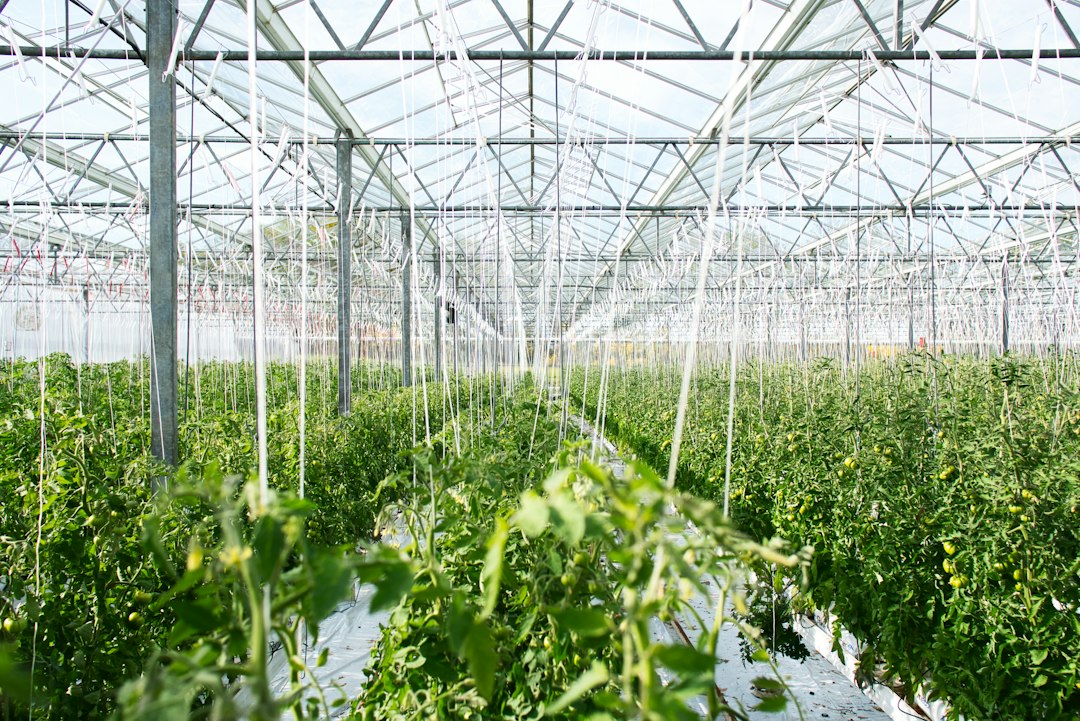
A greenhouse crop needs attention even when everything appears to be running normally. During a crop walk, you may notice uneven growth, changes in the leaves or a difference between rows. Turning those observations into a clear question is an important part of deciding what to investigate next.
SensoFarm combines crop-care guidance with an AI growing assistant. For greenhouse growers, it can provide a useful place to review suggested care steps and discuss observations alongside the measurements, records and experience already used in the business.
Give each crop walk a clear focus
Set up a supported crop in the app and review the suggested guidance for your project. Before entering the greenhouse, choose the questions you want to answer: has the growth become uneven, are affected plants grouped together, or has something changed since the previous inspection?
Use the walk to collect facts. Note where a symptom appears, which leaves are affected and whether nearby plants show the same pattern. A focused description makes an AI conversation more useful and also helps when you later speak with an adviser or colleague.
Explain the conditions inside the greenhouse
Tell the assistant that the crop is under cover. Describe the crop stage, growing medium, irrigation method and the recent changes you have observed. Where you have measurements, include them with the time they were taken.
Outdoor weather does not describe the full environment inside a greenhouse. If temperature or humidity is relevant to your question, use readings from the growing area when available. Be clear about which information is measured and which is an estimate.
Turn a symptom into a structured question
Instead of naming a suspected cause immediately, explain the pattern and ask what additional evidence would help. This keeps the discussion connected to the crop in front of you.
Try asking: “The tomatoes in one greenhouse row look less vigorous than those in the next row. They were planted at the same time. What should I compare about the plants, growing medium and irrigation before deciding on an explanation?”
You can then add the observations you collect and ask the assistant to help organise the next questions. This is a way to structure an investigation. It does not turn a description alone into a confirmed disease diagnosis.
Connect crop guidance with daily observations
As the crop develops, the questions you ask will change. Early conversations might concern establishment and uneven growth. Later ones might concern flowering, fruit development or signs of plant stress. Review the app’s guidance against the stage and conditions of your own crop.
For a recurring problem, keep a short record in the tools you already use: date, greenhouse or row, observations and any changes made. Bring that history into the next conversation. This can help you avoid discussing each new symptom without its earlier context.
Use it alongside your existing greenhouse workflow
SensoFarm’s role here is to support crop questions and care planning. Keep your climate controls, irrigation records, monitoring equipment and agronomist involved in operational decisions. The workflow described here does not depend on connecting the app to greenhouse equipment.
Start with one crop or section and see where the app is useful: preparing a more focused crop walk, organising observations or explaining a care question more clearly. Decisions that affect a whole crop, particularly treatment or major irrigation changes, should be checked against measurements and qualified advice.
Bring your next greenhouse question to SensoFarm
Open the web app or install SensoFarm on Android, choose a supported crop and describe the greenhouse conditions. Our getting-started guide explains the first steps.