
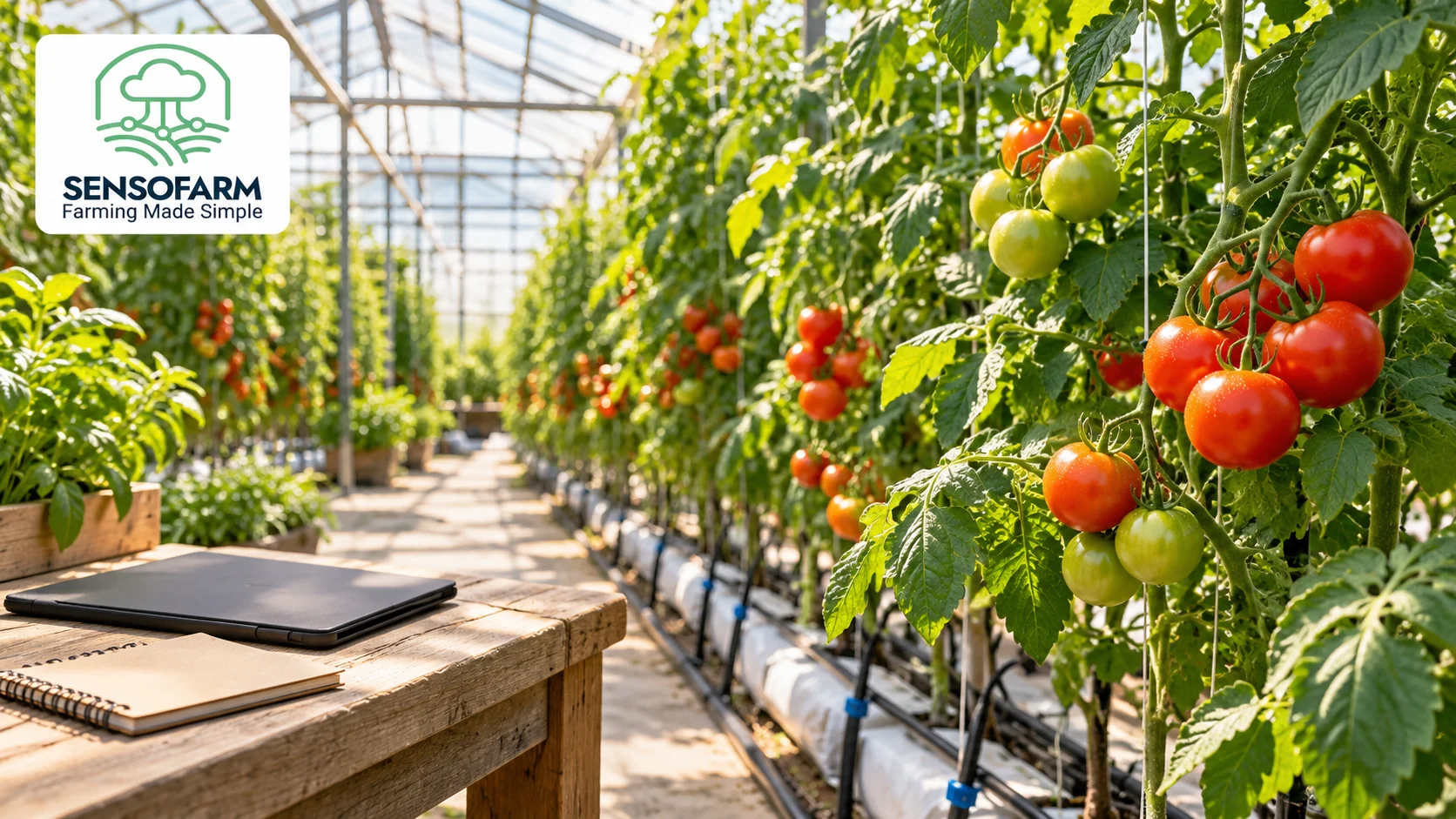
Good greenhouse crop care starts with noticing small changes. A dry patch, a blocked dripper or a few damaged leaves can be easy to miss during a busy day. A short, regular crop walk gives you better information before you decide what to do.
SensoFarm can support that routine with crop guidance and AI chat. You bring the details from your greenhouse, and the app helps you work through growing questions. Here is a simple way to use it alongside your daily checks.
Start with the right crop and growing details
Choose a supported crop in SensoFarm, such as tomatoes or cucumbers. Add your growing place and explain that the crop is inside a greenhouse. Mention whether it grows in soil, pots or another growing medium, and include its planting date or current stage when you know it.
Use actual readings when you have them. A weather forecast outside the building does not tell the whole story inside it. Tell the assistant which details you measured and which are only estimates.
Walk the same route through the greenhouse
Following a familiar route helps you compare today with yesterday. Look at healthy plants as well as any that seem weak. Check more than the first row near the door.
- Leaves: look at new and older leaves, including their undersides. Note spots, holes, curling or changes in colour.
- Water: check the growing medium and inspect drippers for leaks or blockages. Notice whether the problem affects one pot, a row or the whole crop.
- Growing conditions: note temperature and humidity readings if you have them, plus any recent change to ventilation or shading.
- Flowers and fruit: record changes in flowering, fruit growth or damaged produce.
- Recent work: write down watering, feeding, pruning or other changes in your notebook.
Turn your notes into a useful SensoFarm question
A clear question gives the assistant more to work with than “my plants look bad”. Include the crop, the symptoms, when they started and how many plants are affected. For example:
“My greenhouse tomatoes have yellow lower leaves. It started three days ago in one row. The pots still feel wet, and the other rows look normal. What should I check first?”
Read the answer, check the suggested points in the greenhouse and add what you find. The aim is to narrow down the problem before making a change. Our guide to yellow tomato leaves shows why several causes can look similar.
Keep a short record of what happens next
In a notebook or a file, save the date, the affected area, what you checked and what you changed. Add a follow-up note after your next crop walk. This makes it easier to explain a continuing problem to SensoFarm or a local crop adviser.
Use the app alongside direct checks of the plants and equipment. For a problem that spreads quickly or remains unclear, ask a qualified local adviser to inspect it.
Make the routine easy to repeat
Start with one crop and one consistent set of checks. You can read how SensoFarm supports greenhouse growers for a wider introduction, then use this checklist during your next crop walk.
Open the SensoFarm web app or get SensoFarm for Android. Choose a supported crop, add your growing conditions and start with one clear question.
Further reading: University of Minnesota Extension: a simple scouting routine.
#SensoFarm #GreenhouseGrowing #CropCare