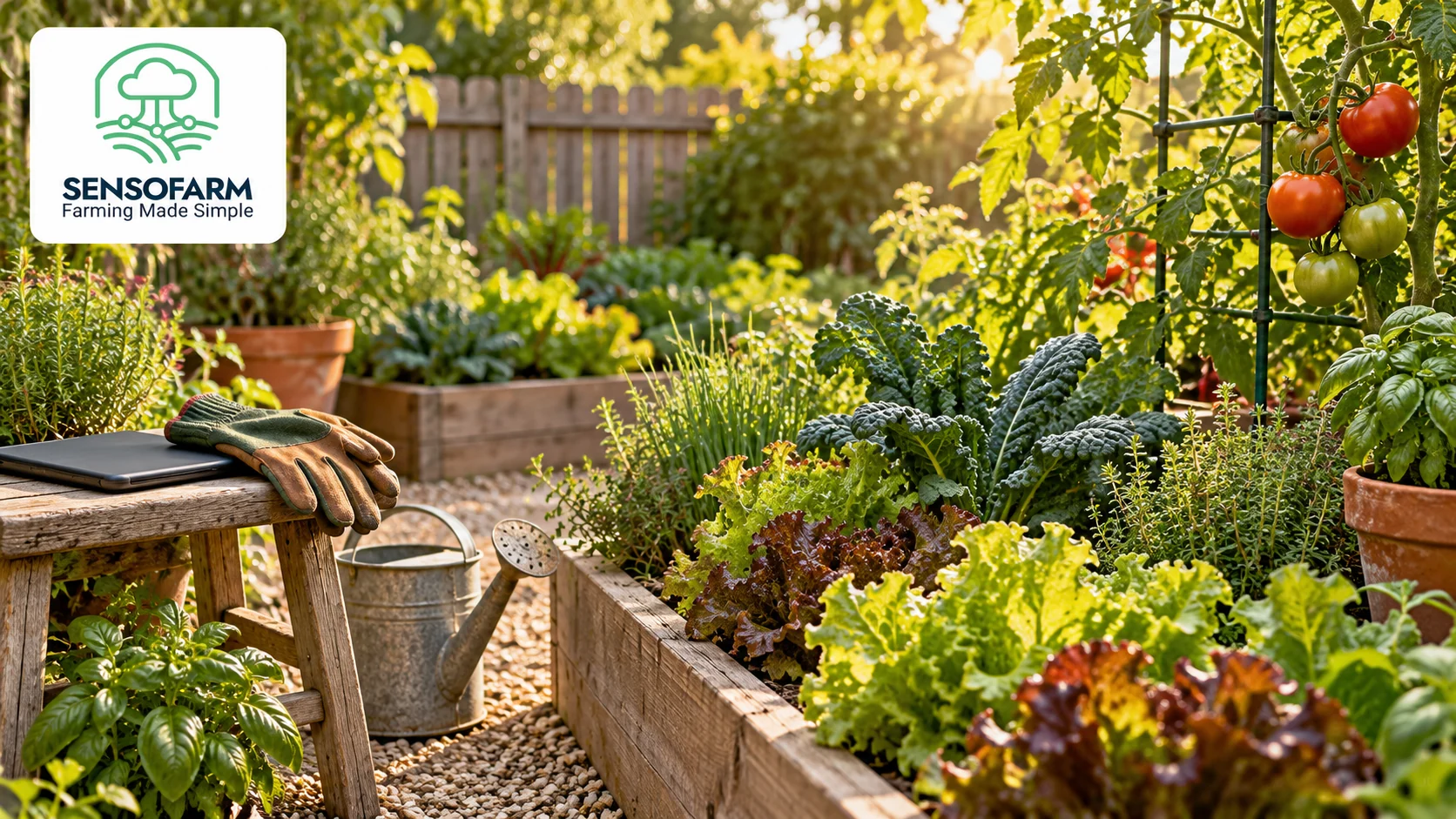
Vegetable garden planning does not need to start with a large plot or a long shopping list. A few pots or one raised bed can give you a useful place to learn. What matters first is choosing a crop that suits your space and setting aside time to care for it.
SensoFarm helps you set up a supported growing project, read crop guidance and ask questions as you go. Here is a simple way to use the app when planning a small garden.
Look at your space before choosing a crop
Spend time watching the area you want to use. Notice where sunlight falls, how easy it is to reach water and whether heavy rain leaves puddles. For a balcony or patio, check the space available for pots and how you will manage drainage.
Write down a few facts: the type of growing space, how much room you have, your local season and how often you can visit. These details are more useful than choosing a crop only because it looks good in a picture.
Choose one supported crop to learn with
Check the crop list in SensoFarm. Tomatoes, cucumbers, strawberries and zucchini are among the available choices. Select a crop and variety that also suit your local conditions and the space you have.
Starting with one or two crops makes it easier to notice their needs. Check the seed packet or plant label for spacing and season advice. For a container project, our guide to growing tomatoes in pots is a useful starting point.
Set up your growing project
Add your growing place and choose the supported crop in SensoFarm. Give the app accurate details where you have them. If you use default soil values, remember that they are estimates, not a test of the soil in your garden.
Read the crop guidance before planting so you can prepare the right container, growing medium and support. You can use our first-project guide to get familiar with the steps.
Build a simple garden care routine
- Look: check new growth and older leaves. Notice holes, spots, wilting or changes in colour.
- Feel: check moisture below the surface before deciding whether to water.
- Compare: look at healthy and struggling plants together. Are the pots, light or watering different?
- Record: keep a short note of planting dates and changes you make.
- Ask: bring a clear question to SensoFarm when you are unsure what to check next.
Water needs change with the soil, weather and plant growth. Use the condition of your garden to guide decisions instead of following the same schedule in every situation.
Give the assistant useful details
“I grow a tomato plant in a pot on a sunny balcony. The lower leaves are yellow, but the top leaves look green. I watered yesterday and the pot still feels heavy. What should I check?”
That gives the assistant a clearer starting point than a question with no crop or growing details. Follow up with what you find, and keep a note of the advice you decide to use.
Learn from one season to the next
At the end of the crop, write down what grew well, what took too much time and what you would change. Your own experience is valuable. Use it with SensoFarm’s guidance to plan the next planting.
Open the SensoFarm web app or get SensoFarm for Android. Choose a supported crop, add your growing conditions and start with one clear question.
Further reading: University of Minnesota Extension: watering the vegetable garden.
#SensoFarm #VegetableGarden #GardenPlanning