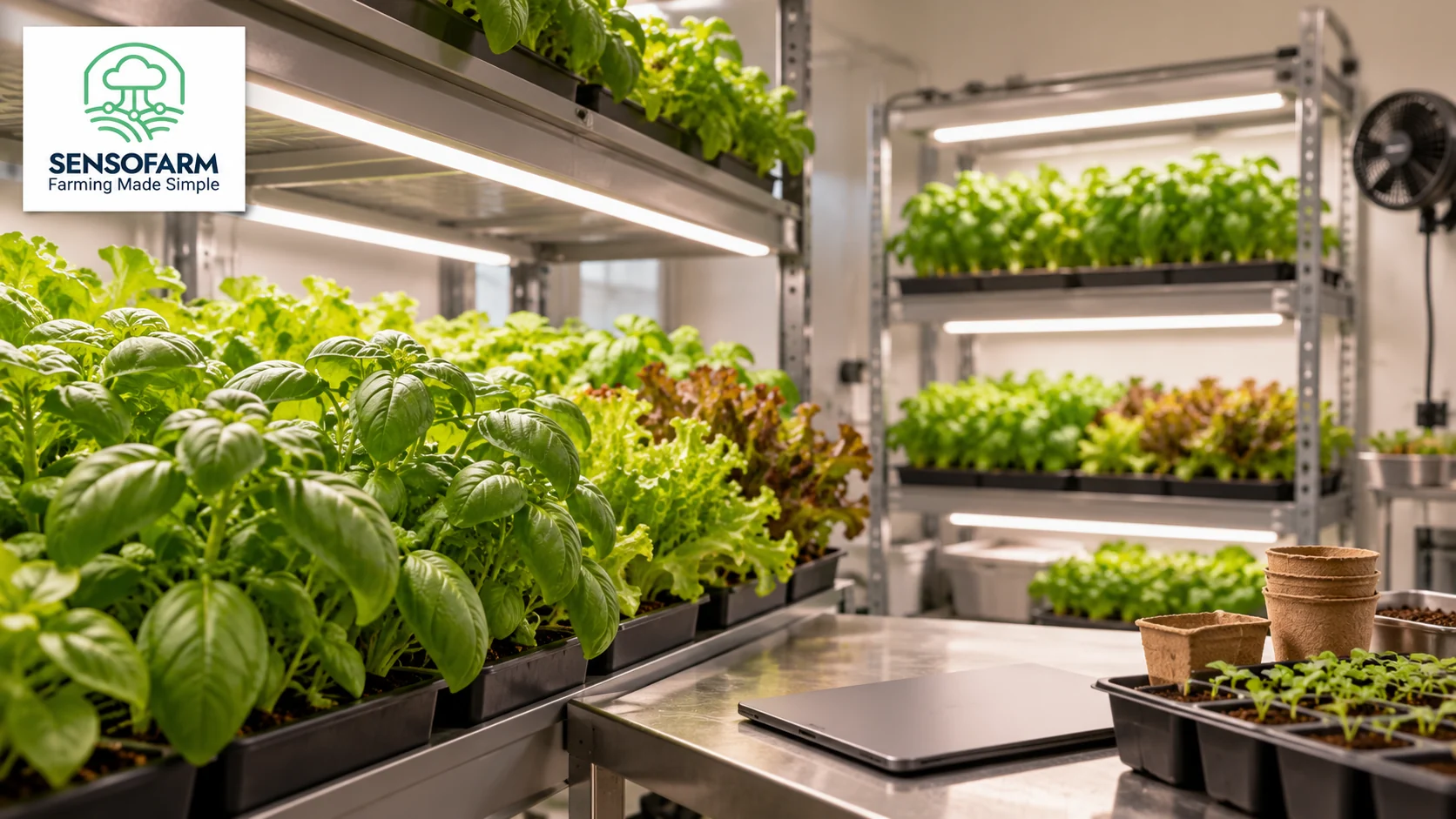
Indoor grow room care means paying attention to the space around your plants as well as the plants themselves. Lighting, water and room conditions all matter. A useful routine starts with knowing what you are growing and what has changed.
SensoFarm offers crop guidance and AI chat for supported crops. You can use it to work through questions while keeping your own notes on the grow room. The steps below help you bring clear, useful information into that conversation.
Check crop support before you start
Open the crop list in SensoFarm and choose the crop you actually grow. Available examples include tomatoes, cucumbers and strawberries. A picture of a general grow room is not a list of crops supported by the app.
Describe your setup in plain words: an enclosed room, plants in pots or beds, the growing medium and the crop stage. If you use a water-based growing system, say so. Avoid using soil-based advice for a different setup without checking it.
Know what your lights are doing
Plants need suitable light to grow. Too little light can lead to long, thin stems, while too much can damage leaves. The hours of light and the distance between the lamp and the plants are useful details to record.
Check your timer and the lamp maker’s guidance. Notice whether plants directly under a light look different from plants at the edge of a shelf. Do not assume that one light setting suits every crop or stage.
Check water and room conditions together
Before watering, look at the growing medium and drainage. Compare several pots or growing areas. Keep actual temperature and humidity readings with your notes when you can, rather than judging the room only by how it feels.
- Is the growing medium drying evenly, or are some areas staying wet?
- Are drainage holes clear, and is water collecting where it should not?
- Have lights, fans, watering times or room settings changed recently?
- Do symptoms appear on one shelf, near a lamp or throughout the room?
- What does healthy growth look like in the same crop?
Take these observations to SensoFarm instead of changing several settings at once without a clear reason. The app can help you think through the question; you still need to check the real growing conditions.
Ask one clear question at a time
“I grow tomato seedlings in pots in an indoor room. Some stems are long and thin, especially at the edge of the shelf. The lights run on a timer. Which lighting and growing details should I check?”
If the assistant asks for more information, gather it before deciding on the next step. Keep a note of the change you make and what you see afterwards. This gives you something useful to compare during the next check.
Build a routine you can keep
Choose a regular time to check the room, read your crop guidance and review any open questions. Keep equipment checks in your normal routine too. SensoFarm’s guidance is most useful when it is based on accurate details from your own space.
New to the app? Follow our guide to starting your first growing project with SensoFarm. For a related setting, read our greenhouse crop care checklist.
Open the SensoFarm web app or get SensoFarm for Android. Choose a supported crop, add your growing conditions and start with one clear question.
Further reading: University of Minnesota Extension: lighting for indoor plants and seedlings.
#SensoFarm #IndoorGrowing #GrowRoom